



Serve & Space / real-life rehearsal
Walk through the awkward moments before they happen.
One calm, visual place to plan dinner timing and test a difficult move before your real day begins.
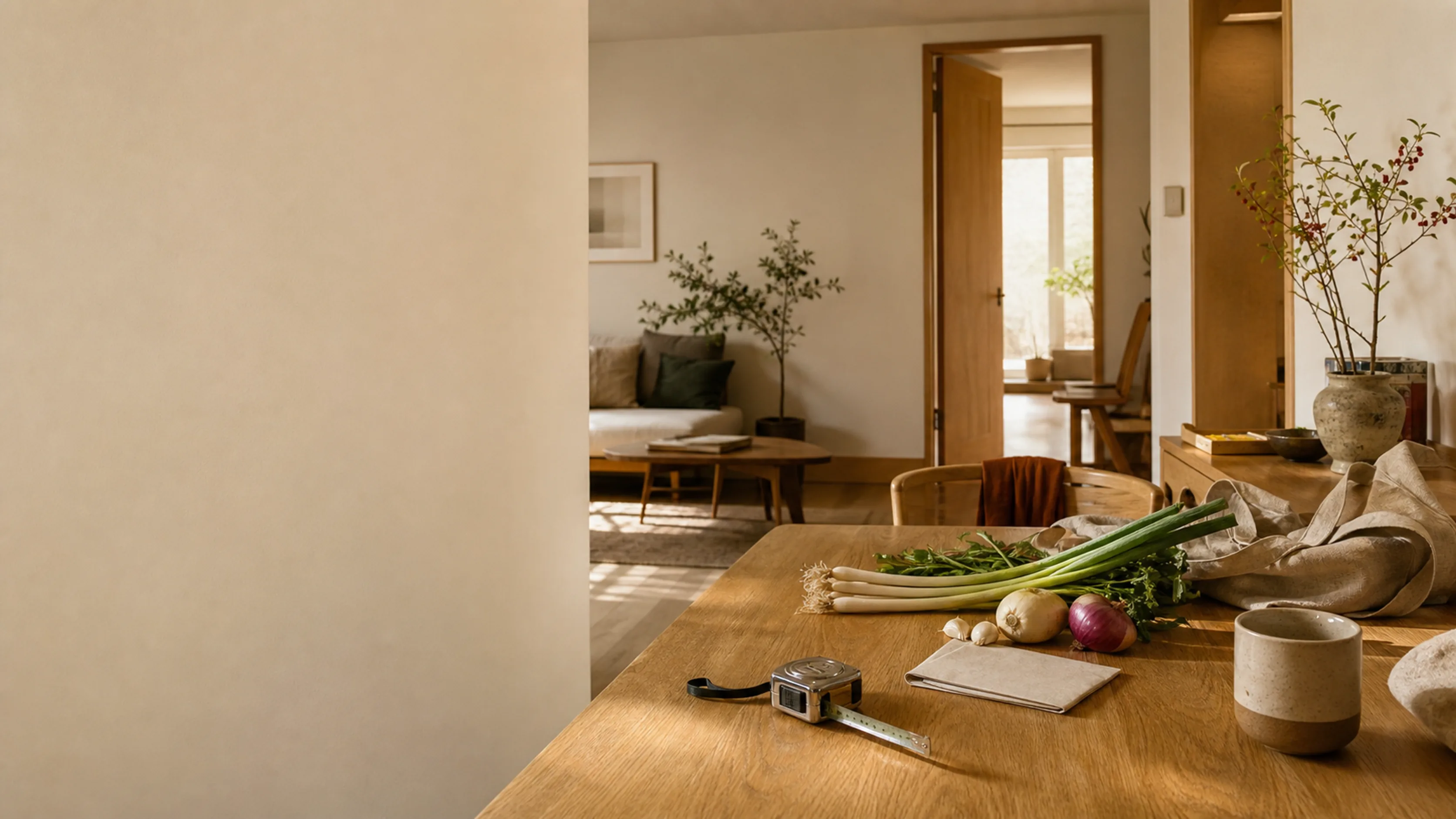
01 / CookSync
The kitchen comes into focus.
Hand over the recipe you already have. CookSync turns it into a quiet, workable order for the kitchen in front of you.
Step into CookSync02 / MovePath
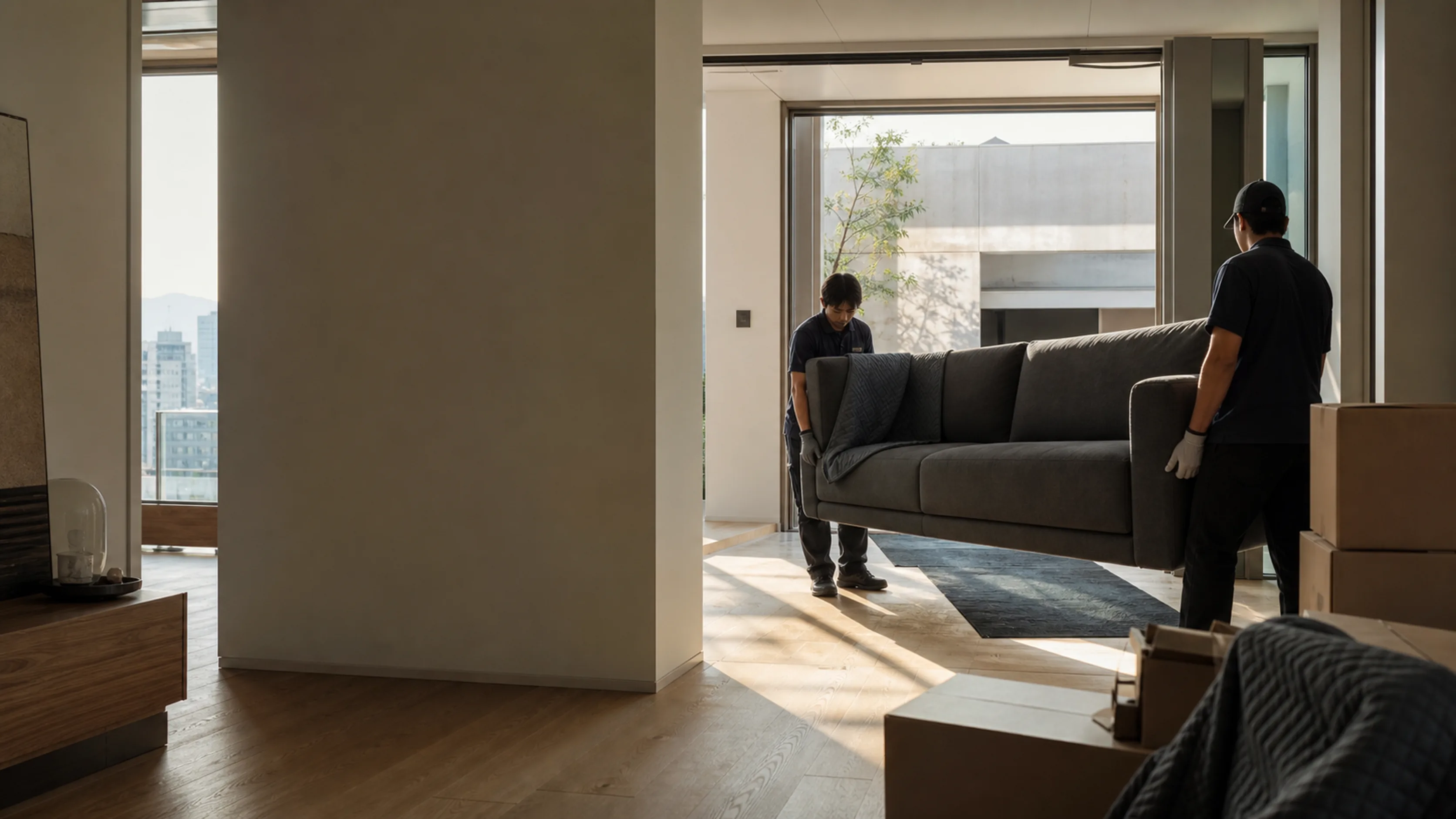
Then follow the furniture through the door.
Open the moving scene, take hold of the furniture in 3D, and understand the tight points before you lift anything.
Step into MovePathField notes
A few things worth knowing before you start.
The practical details behind the two tools, written for the moment you are actually about to use them.
01Can I use CookSync and MovePath without an account?
Yes. The core recipe schedule and moving simulation are available immediately. An account is only needed for cloud saving and managed sharing.
02Where do my recipe details and measurements stay?
They stay in this browser by default. Only projects you explicitly save after signing in are synchronized to your private account.
03Can I treat the result as a final guarantee?
Use it as a practical planning pass. Confirm food safety with the right equipment and measure your real furniture route again before moving day.
Keep the useful plans
Return to the plan when the day gets busy.
Use both tools without an account. Create one only if you want to continue selected projects across devices or manage a link you share.